Uninstalling/Deleting an Integrated Account
If you no longer need an integrated account in Truto, you have the option to uninstall or delete it. Uninstalling an integrated account removes the account from your list and deletes its stored credentials and context variables. For OAuth connections, Truto also asks the provider to revoke the access token, where the provider supports it. Truto then sends an integrated_account:deleted webhook event.
Uninstall/Delete an Integrated Account
- Sign into Truto and navigate to the
Integrated Accountssection or click here.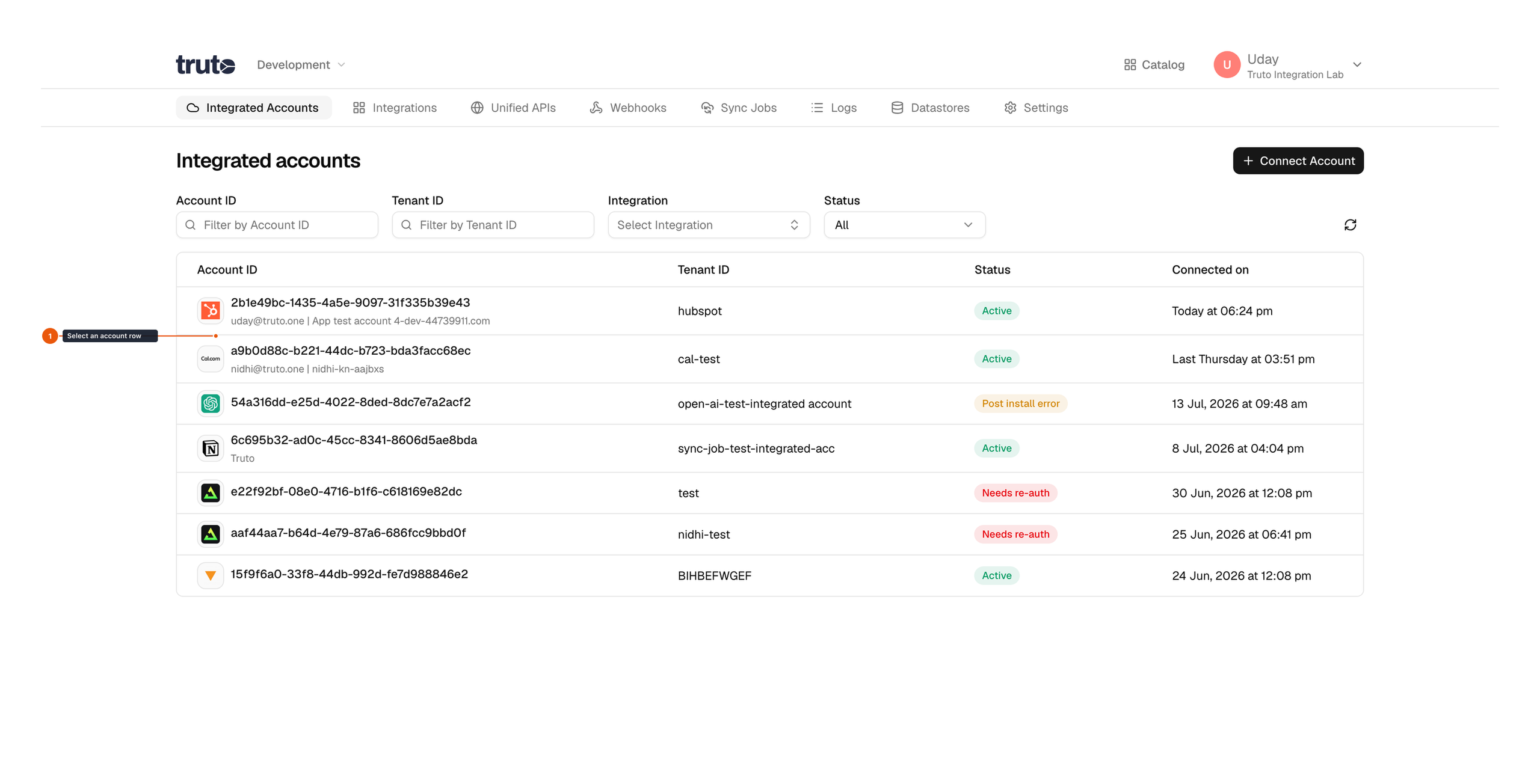
- Select the Integrated Account you want to uninstall/delete.
- Click on
Delete integrated accountbutton. You will be prompted to confirm this action because this process is irreversible.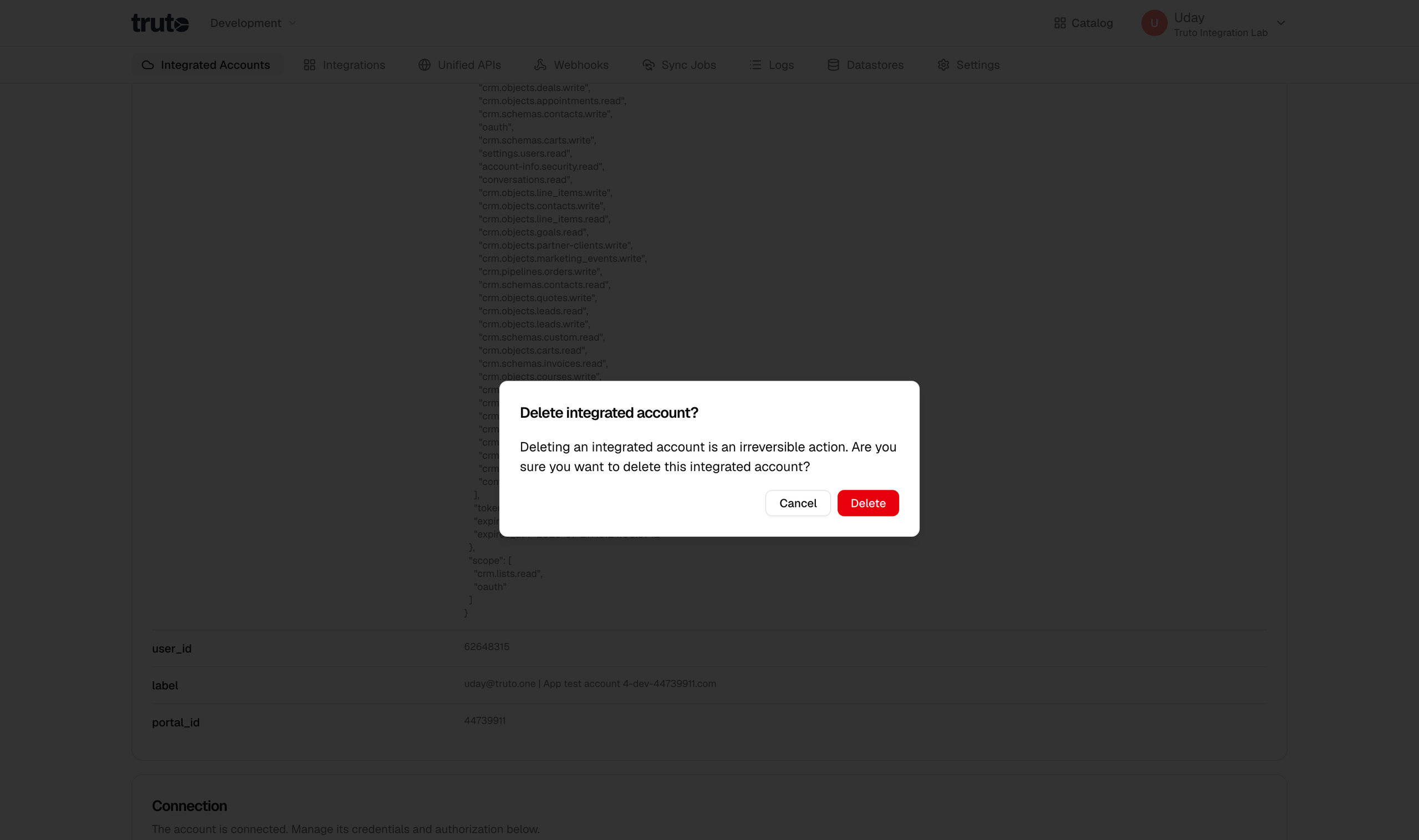
- Click on
Deletebutton.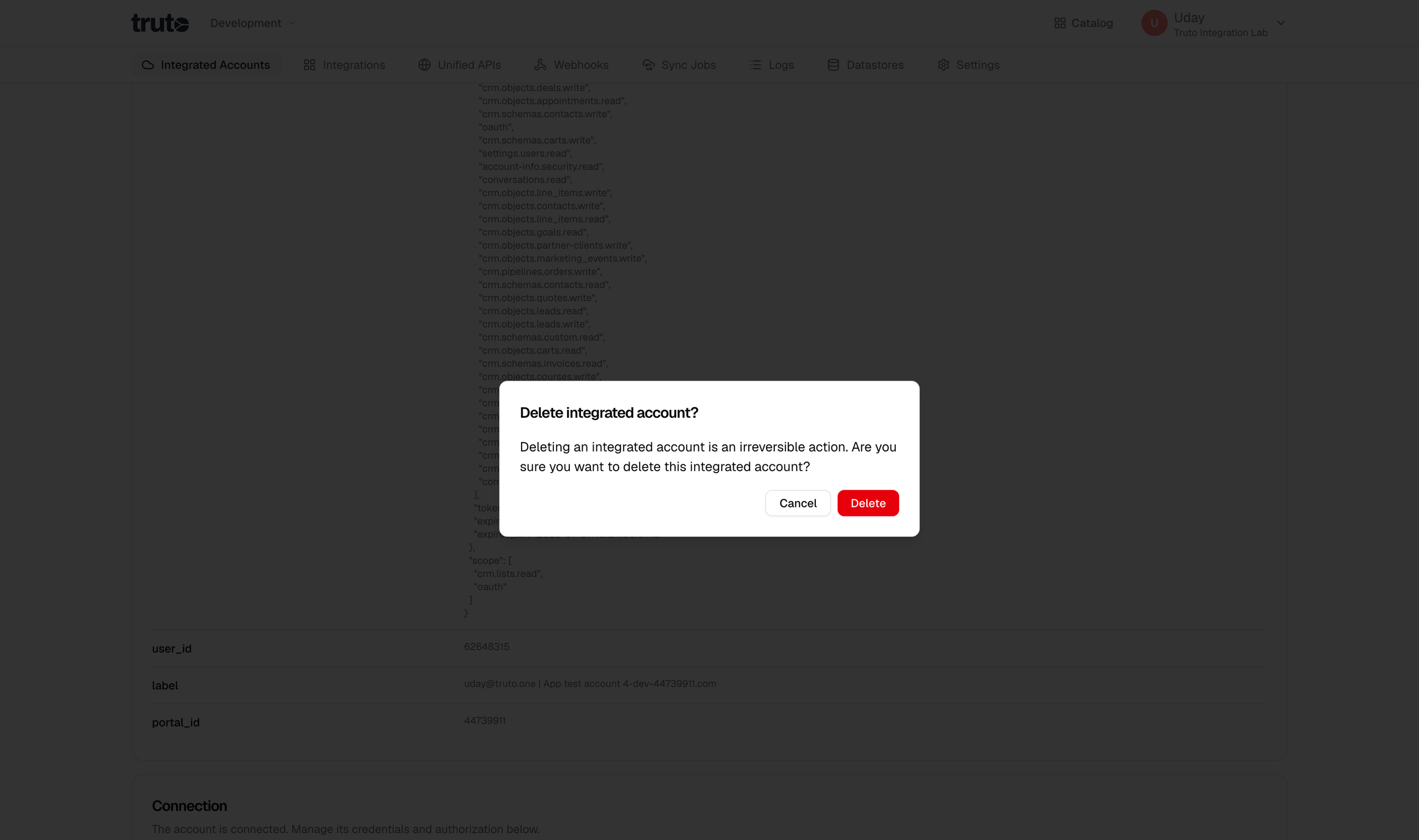
- Voila! You will now be redirected to
Integrated Accountssection and integrated account has been successfully uninstalled/deleted from the environment.
Note: Please make sure you're certain about this action. Uninstalling/deleting an integrated account is a permanent action and cannot be undone. The account's credentials and context variables are permanently deleted.