Copper
Install Copper integration
The Copper integration can be found here. Please install it in your environments before proceeding with the steps below.
Connecting a Copper account
-
Click on
Connect Account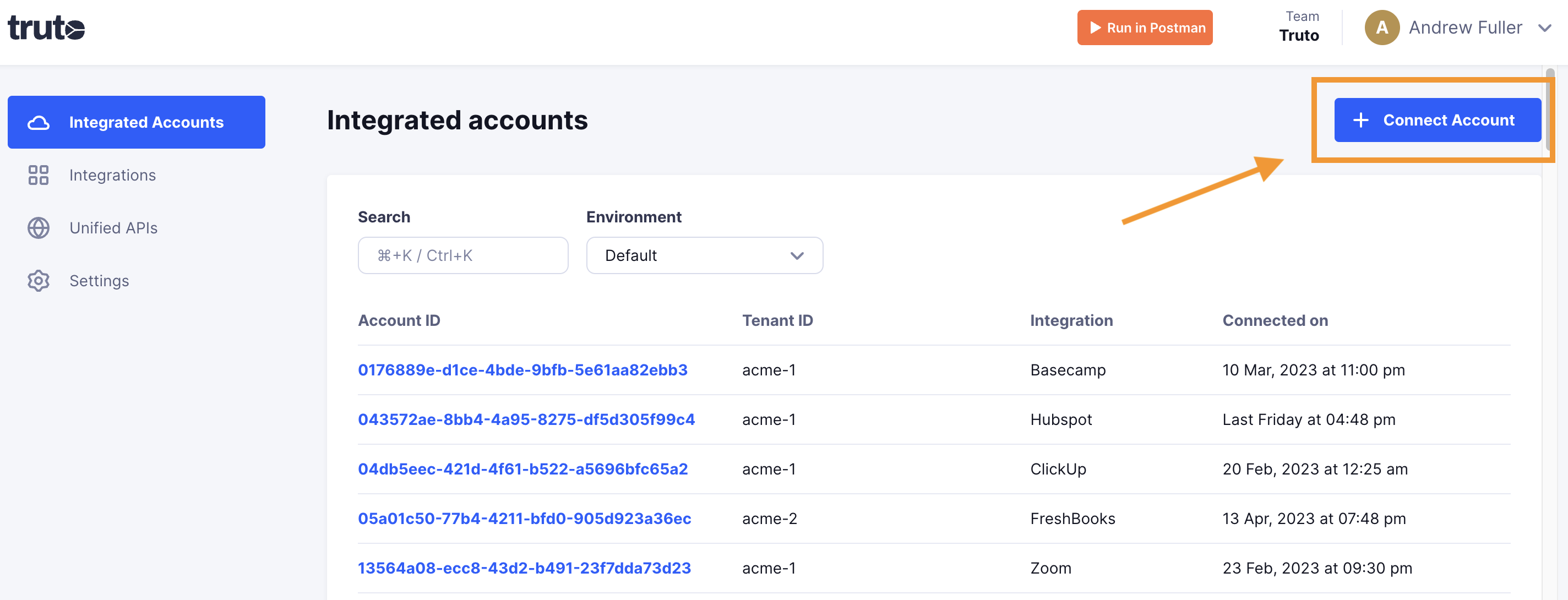
-
Type in a value for the Tenant ID. This can be any ID of your choosing. And then click on
Get connection link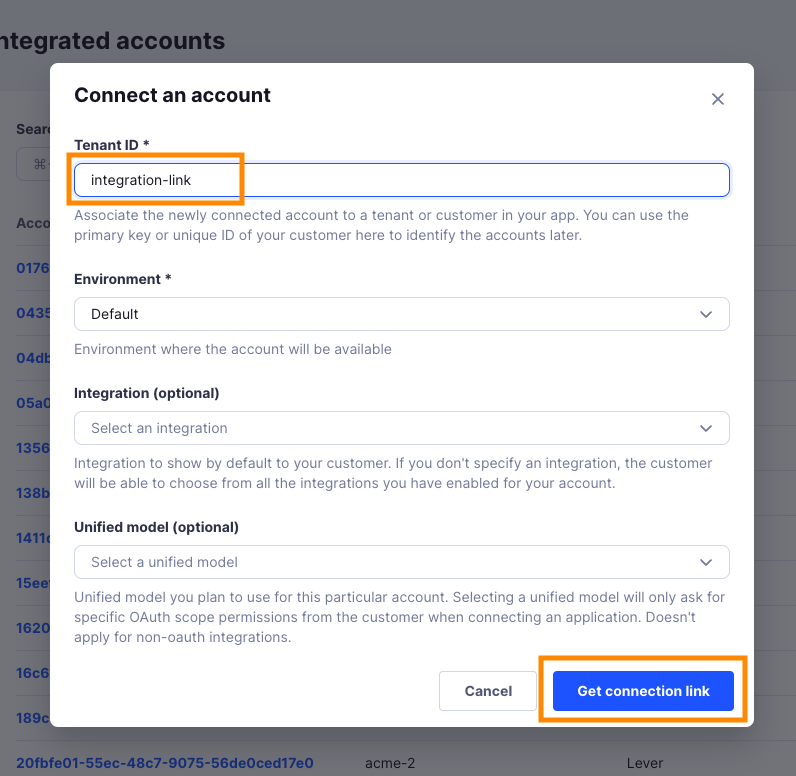
-
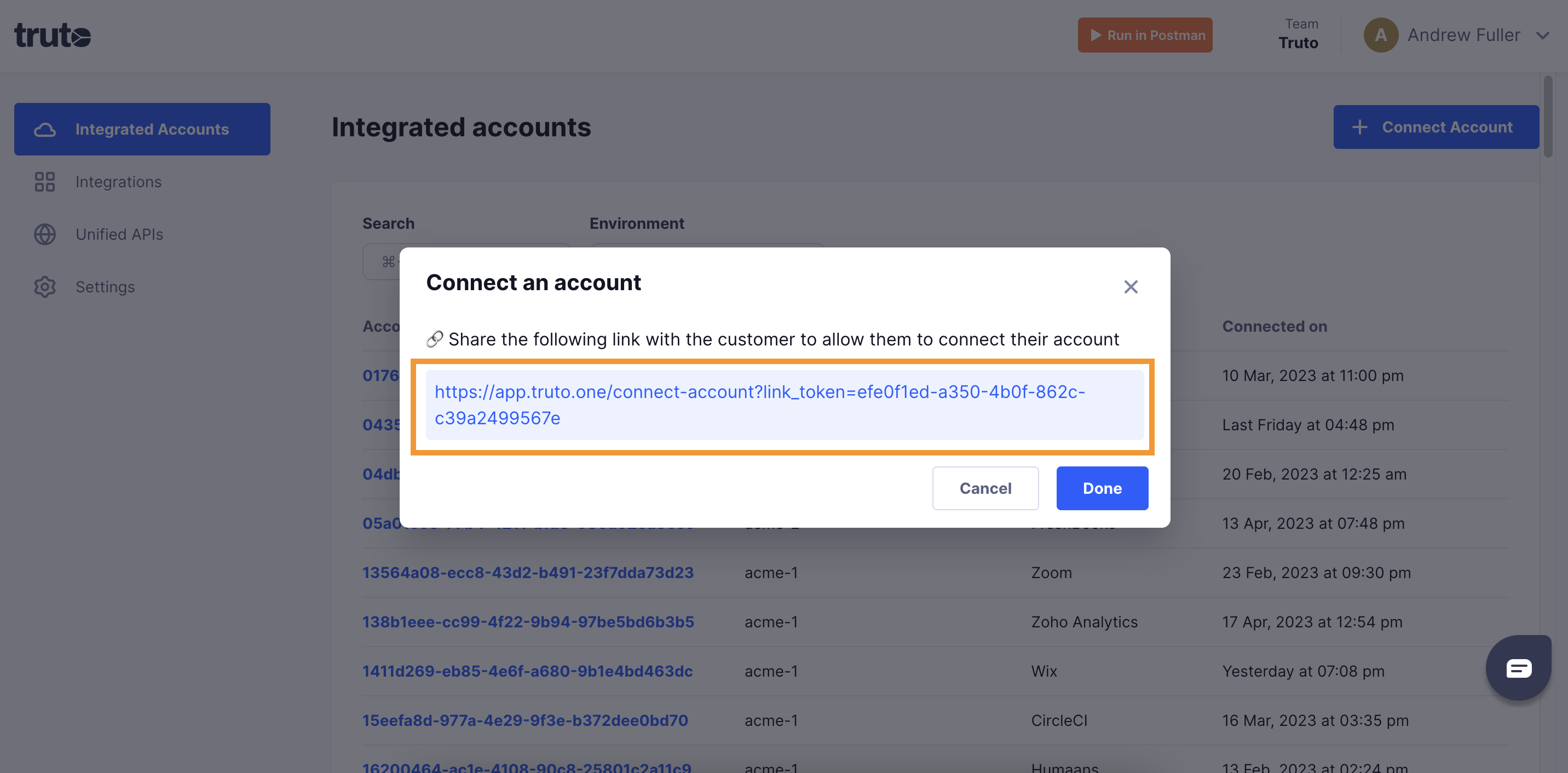
A new link will be generated. Clicking on the link will open a new tab with the list of integrations. You can share this link with your customers too and they will be able to connect their Copper account.
-
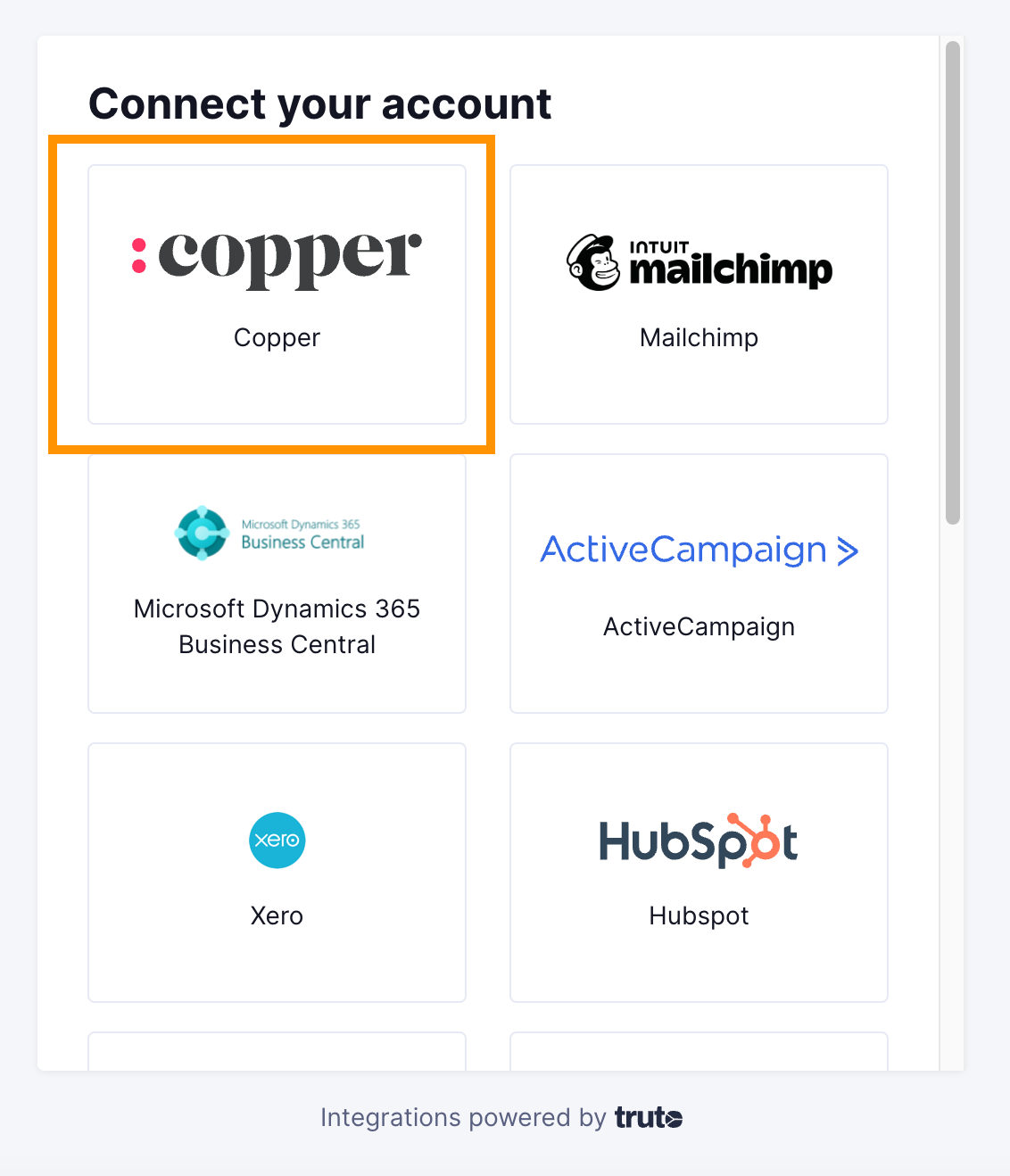
Select Copper
Finding your API Key
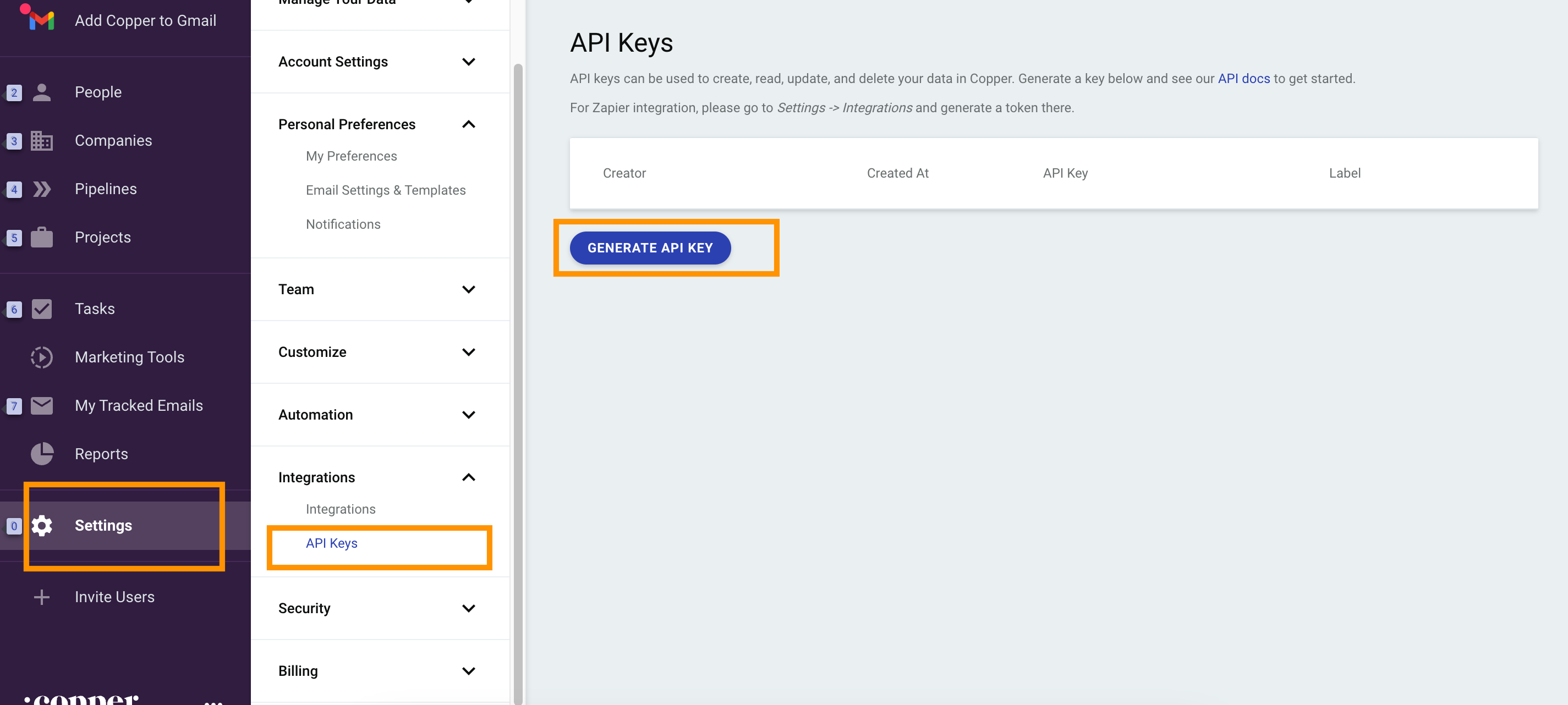
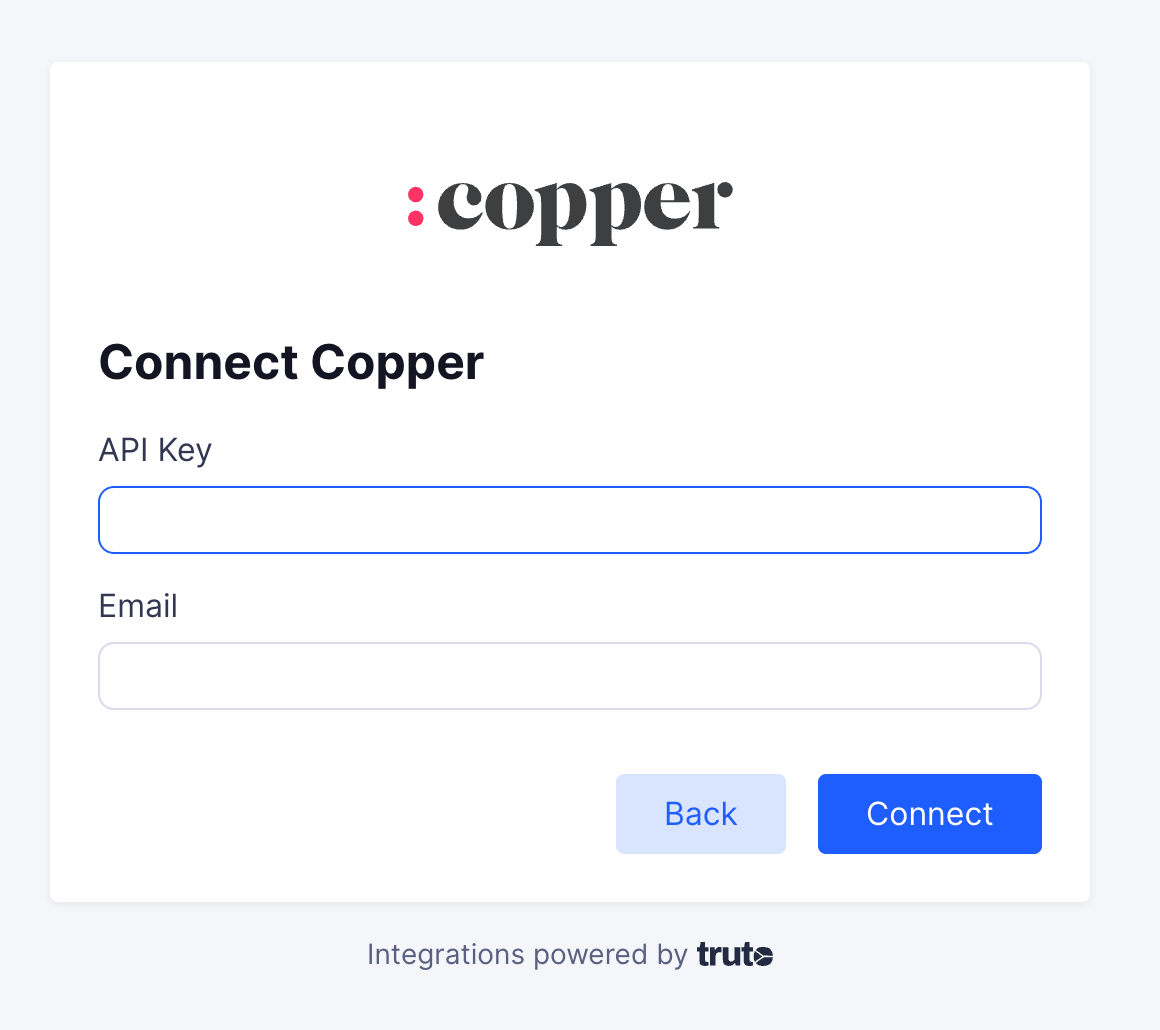
You'll now be prompted to add the API Key and email. To generate an API Key, go to your Copper account. Click on Settings > Integrations > API Keys > Generate API Key. Copy/paste the API Key in the relevant field and fill in your email. Click Connect
-
Voila! You should now see a connection successful message. You can now close this tab.
-
Go to your Truto account and you should see the new integration under Integrated Accounts. Click on the Account ID to change or edit the integration to suit your needs.